Tired of repetitive tasks breaking your creative flow? Wish BricsCAD adapted to your way of working? I’ll create custom tools for BricsCAD, tailored to your unique workflow—handling everything from design to seamless installation.
Why Custom Tools Transform Your Workflow
BricsCAD is powerful on its own—but when customised, it becomes a powerhouse for productivity. Custom tools let you:
✅ Automate repetitive steps – Replace multi-click routines with single commands
✅ Work with greater precision – Reduce errors through guided, streamlined processes
✅ Save time – Speed up drafting, annotation, and data management
✅ Do more with BricsCAD – Add features specific to your industry or workflow
Custom tools for BricsCAD ensure your software works exactly the way you do.
A Complete, Hassle-Free Solution
You don’t need to be a programmer—just bring your workflow challenges, and I’ll handle the rest.
1. Workflow Discovery
We’ll discuss your day-to-day tasks and identify where automation or customization adds the most value. No tech jargon required.

2. Tailored Development
I use C# .NET to build intuitive, reliable tools:
- Easy-to-use dialog interfaces
- Command-line options for advanced users
- Hybrid tools that combine the best of both
- Seamless integration with BricsCAD menus and ribbons

3. Effortless Installation
You’ll receive a professional installer that:
- Automatically deploys files to the right locations
- Configures BricsCAD for immediate use
- Sets up all menu and ribbon integrations
Plus, you’ll get clear documentation and ongoing support.
Built for Your Specialised Needs
No two projects are alike. Some examples of what I’ve built:
- Automated Title Sheet Creation: Streamlined the generation of title sheets for cartographical maps based on a predefined sheet layout.
- Spot Level Placement: Developed a tool for automatically placing spot levels along polylines to enhance precision and speed in surveying tasks.
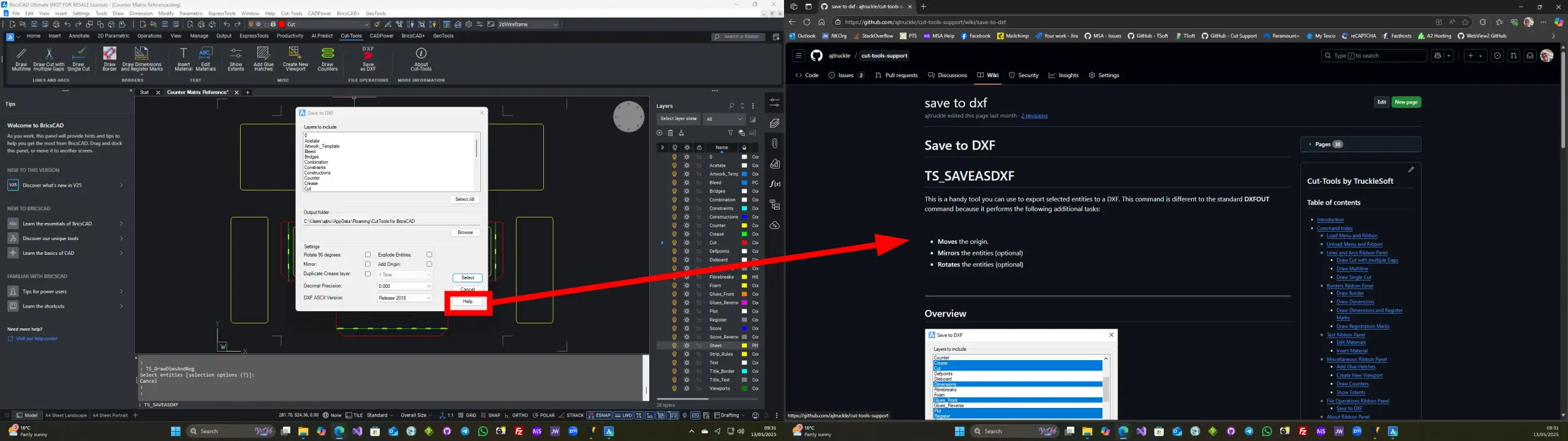
- Cardboard Packaging Tools: Created a set of tools for efficient cardboard packaging design. (Check out the full toolkit on GitHub)
- Cartographical Data Export: Built a solution for exporting cartographical data to the MX GENIO format, improving data integration and workflow.
Whatever you need—TruckleSoft can deliver it.
Let’s Make BricsCAD Work for You
Imagine:
🚀 Tools that work the way you think
💡 Solutions built around your real-world challenges
⏳ More time to design—less time clicking menus
If you’re looking for custom tools for BricsCAD, I’d love to help you build exactly what you need—whether it’s automating routine tasks, adding specialised features, or streamlining your entire workflow.
📩 Ready to streamline your work? Let’s talk. Contact me today for a free consultation and see what’s possible.
Why Choose This Service?
- 🧠 Deep BricsCAD expertise – Tools that integrate seamlessly
- 🛠️ End-to-end service – From concept to installation
- 👂 Client-focused development – Built around your workflow
Let’s supercharge your BricsCAD productivity. I’d love to hear about your workflow—message me today!